
Software ads
ClickUp’s Facebook and Instagram ads
- Running now
- 23
- Winners
- 40
- New in 30 days
- 0
- Average run
- 101 days
- Longest run
- 411 days
Ads running now
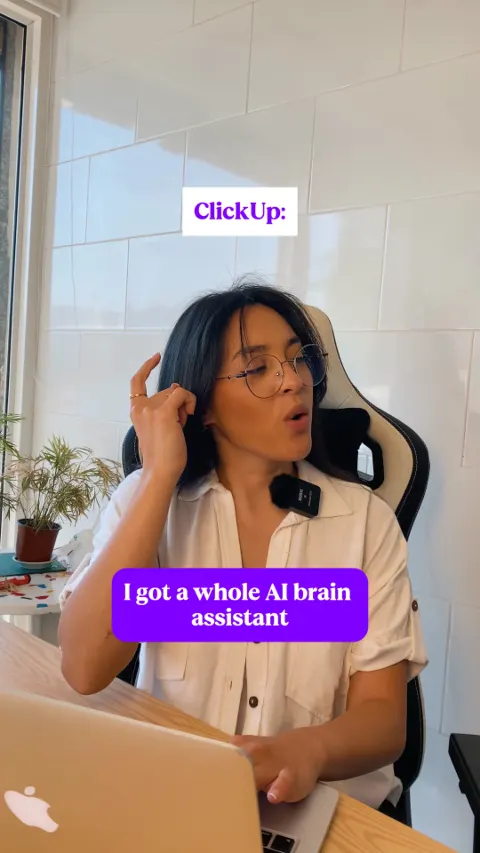 Video411 days
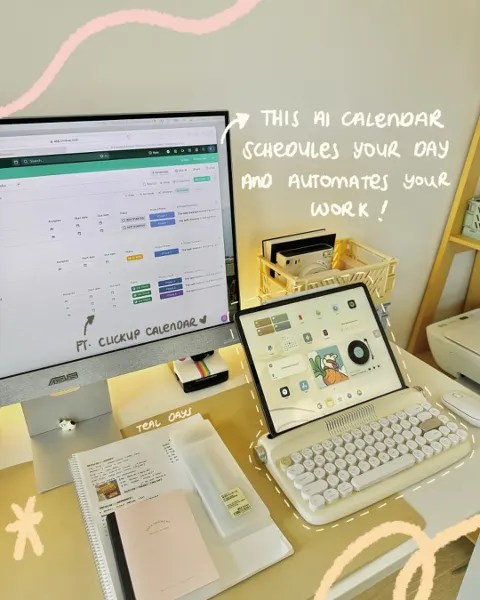 Teal Days372 days
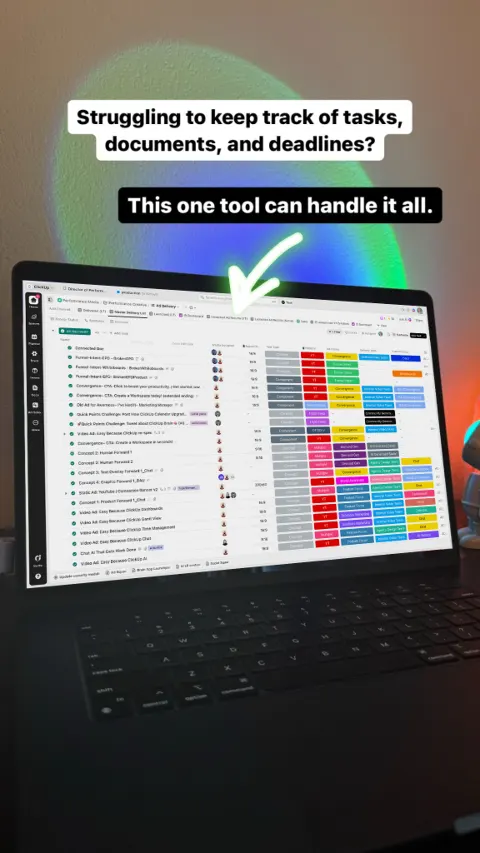 ClickUp™ | The everything app for work411 days
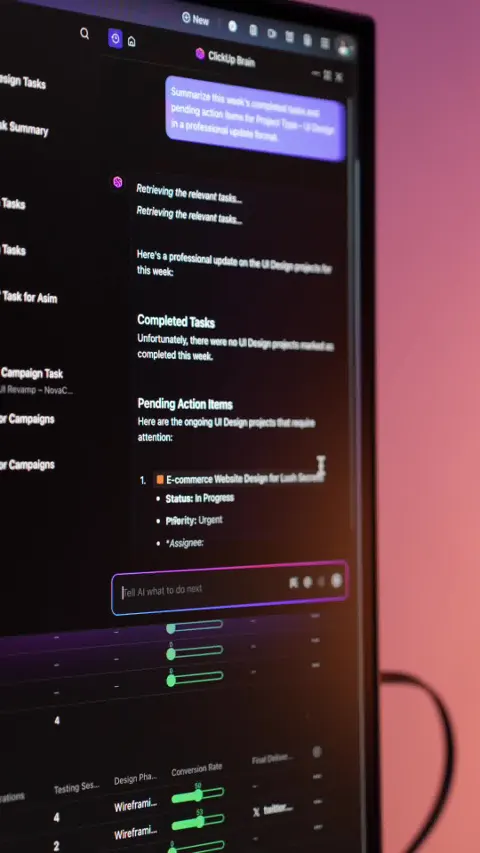 Video372 days
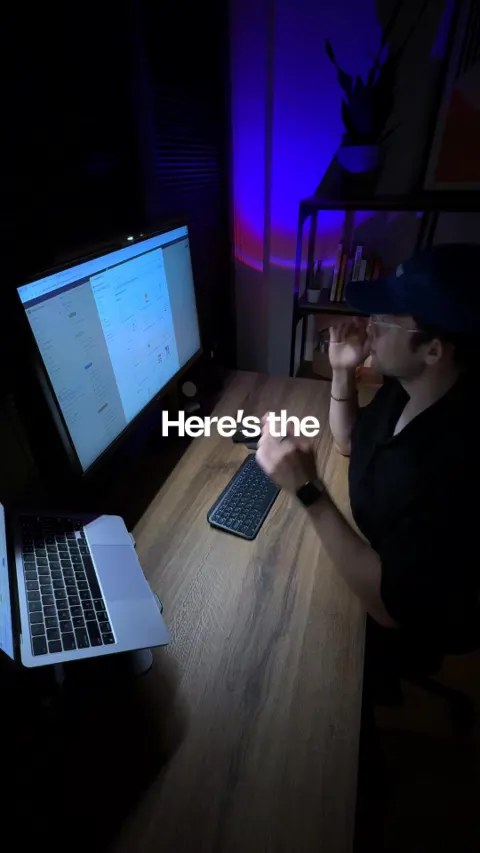 Video411 days
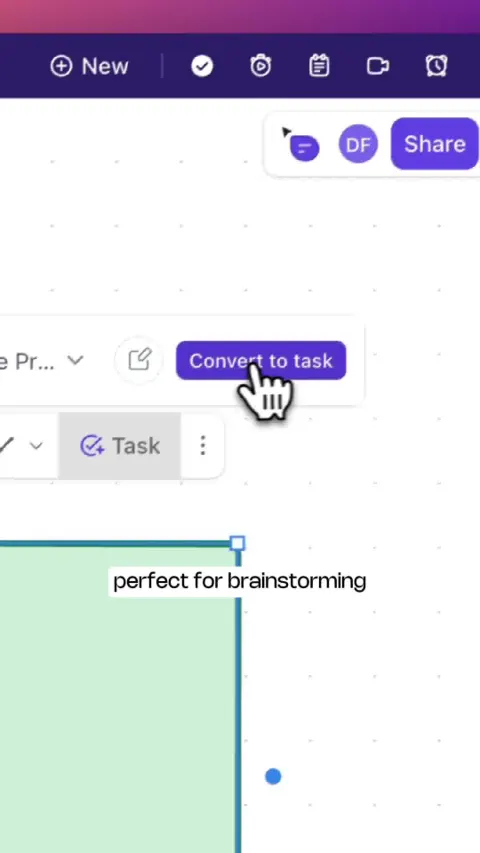 Video306 days
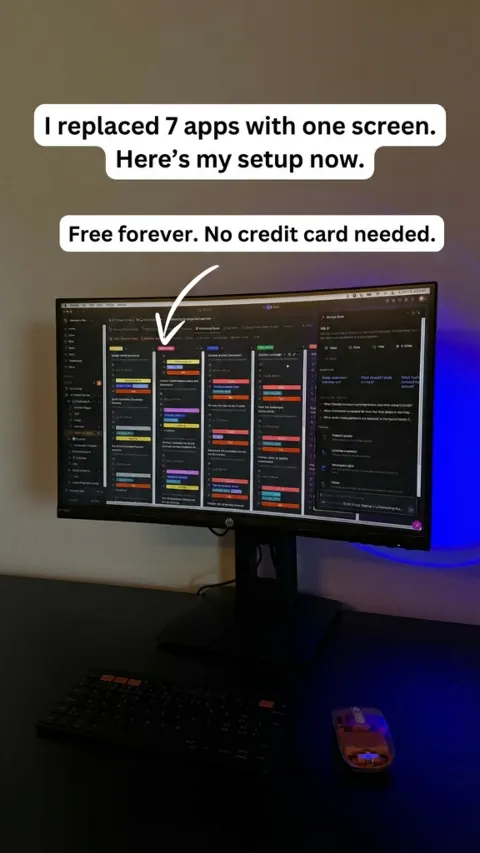 Every app, AI agent, and human in one place.225 days
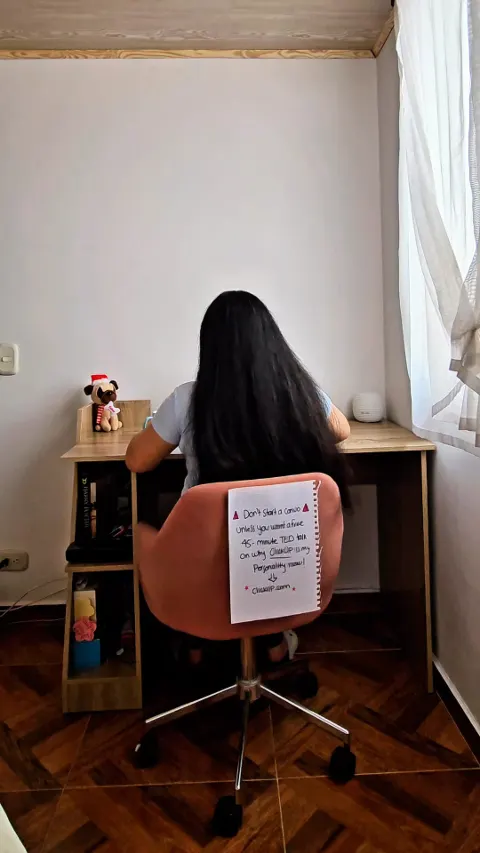 VideoReplace 5+ Apps With ClickUp247 days
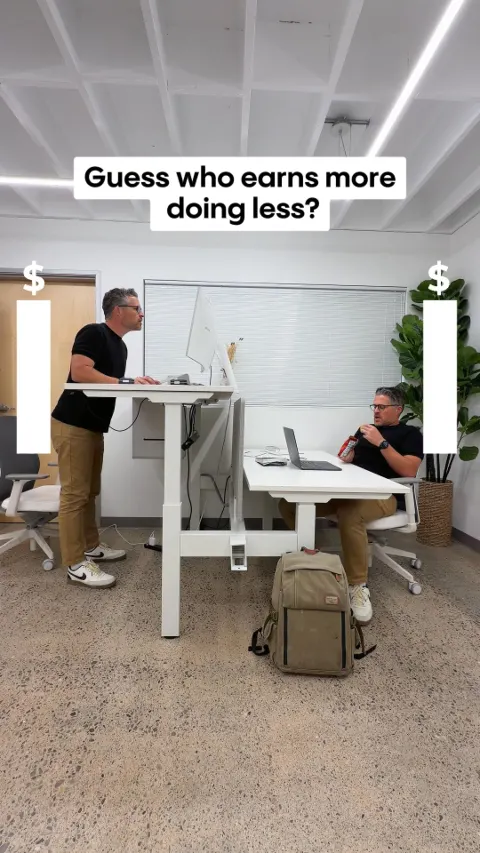 VideoThe Secret to 10x Productivity. ⚡️233 days
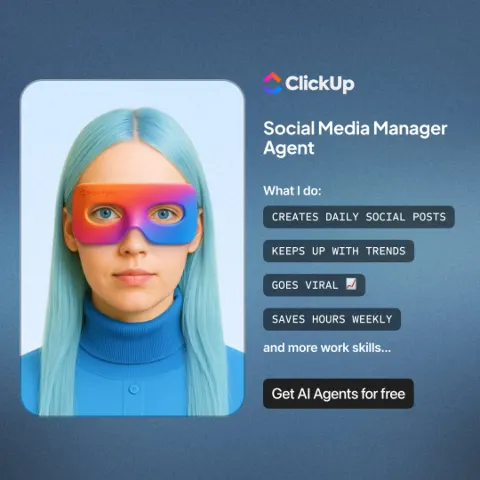 AI That Automates Work156 days
 All your work in one AI-powered app.314 days
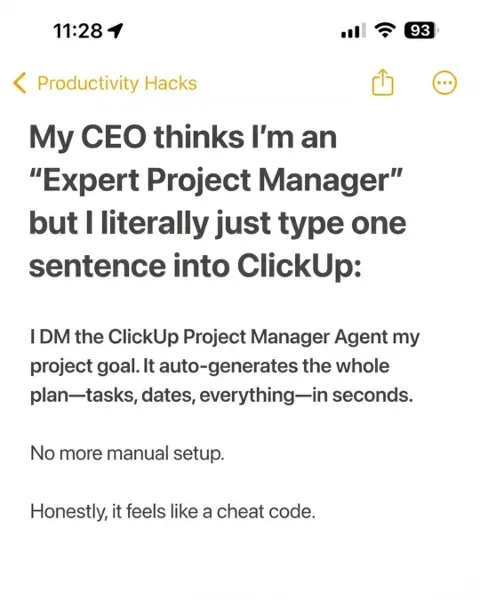 Everything is Faster In ClickUp225 days
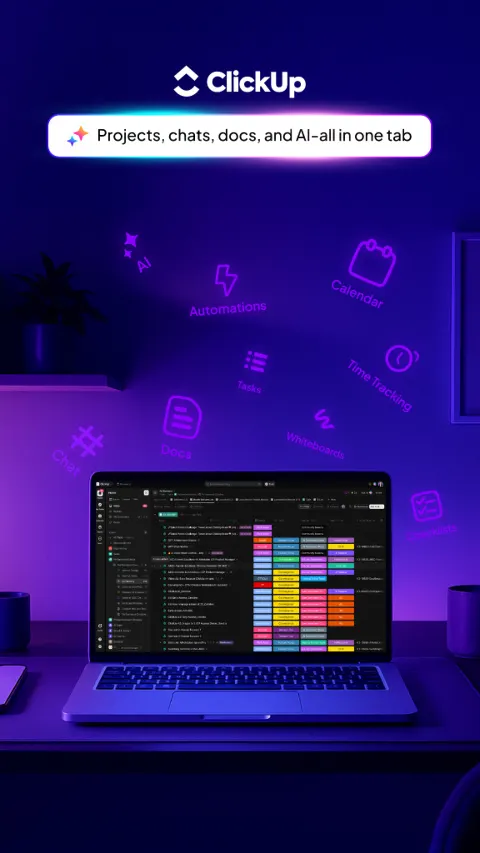 No more app hopping.411 days
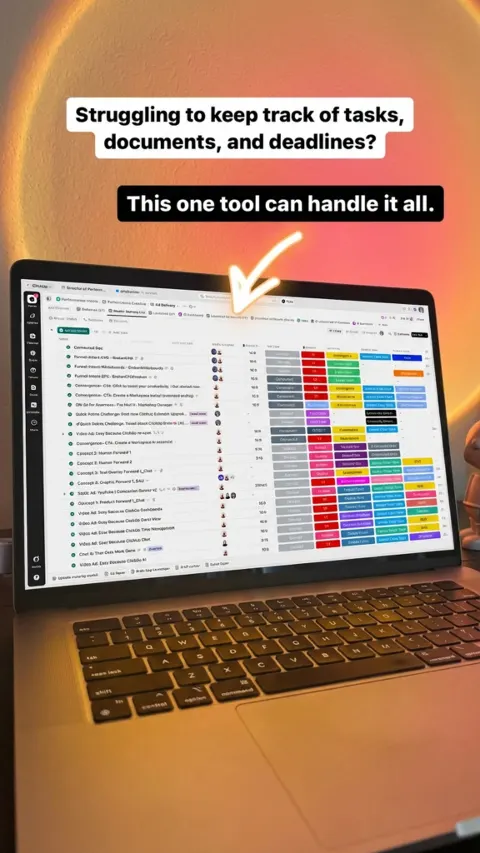 Every app, AI agent, and human in one place.156 days
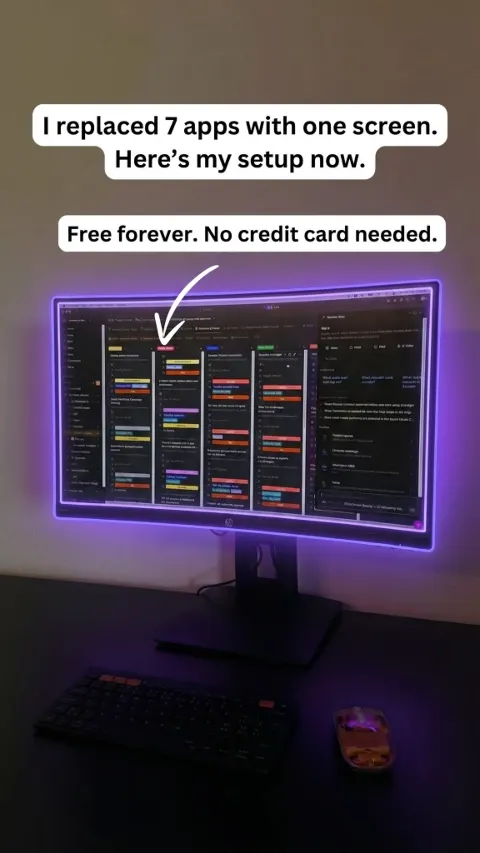 Every app, AI agent, and human in one place.105 days
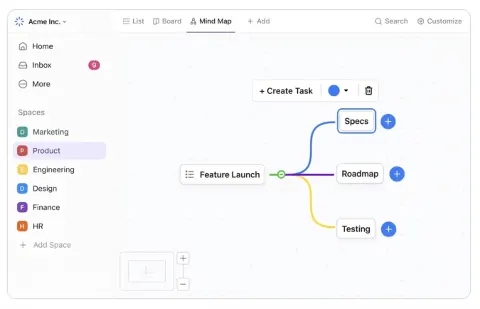 Visualize your next great idea with ClickUp156 days
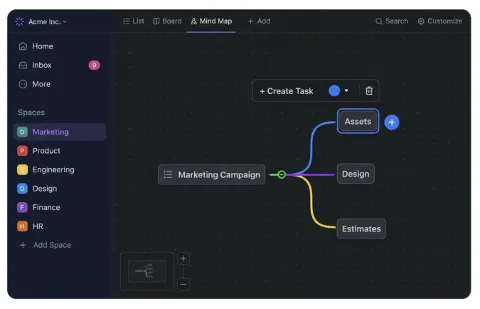 Visualize your next great idea with ClickUp156 days
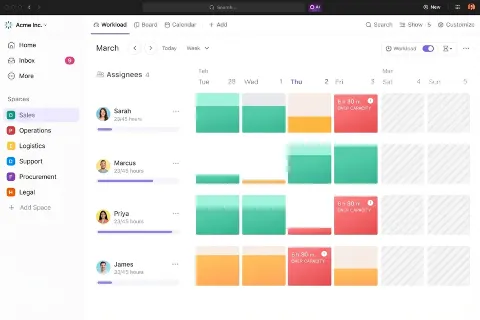 Simple yet powerful views for managing work156 days
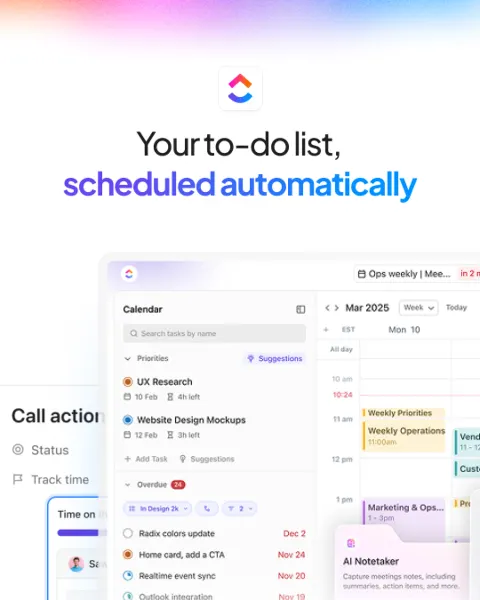 Stop Planning Work. Let Work Plan Itself.156 days
 Video372 days
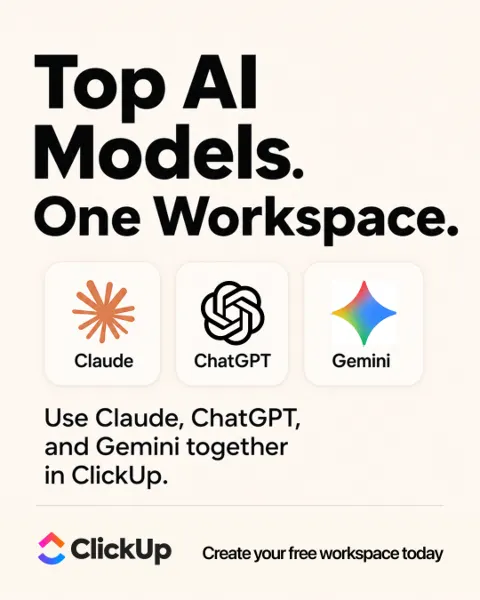 More AI Tools. Better Work?23 days
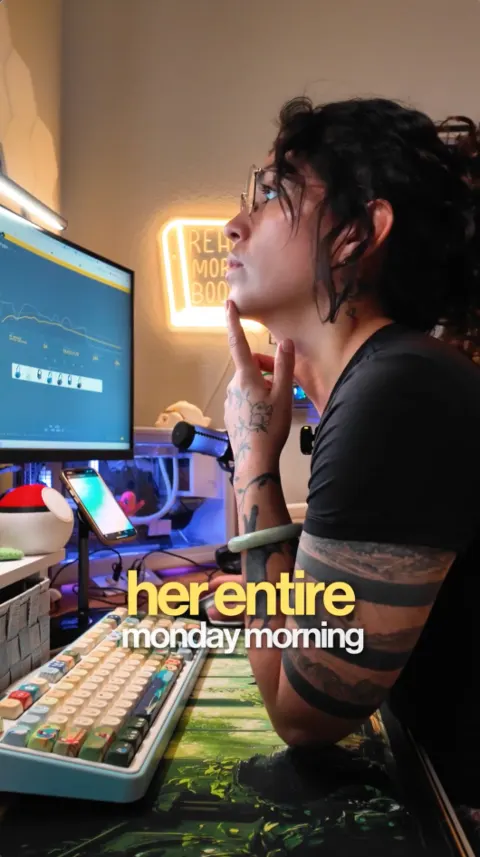 VideoSave Hours Every Week23 days
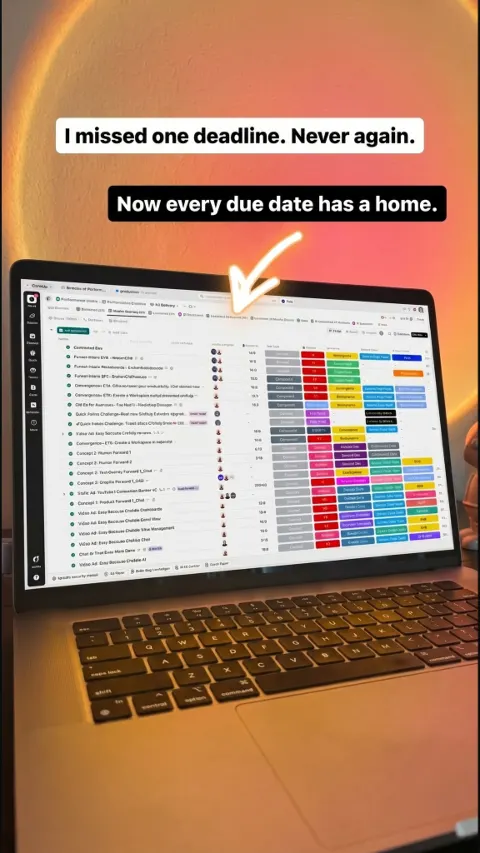 One tool. All your work.23 days
What it runs
- Formats running now
- Images 13 · Videos 8 · Carousels 2
- Styles
- Review, Demo, Offer, Product shot, Carousel, Text only
- Where its ads ran
- Facebook and Instagram
How its best ads open
- “This one app can manage it all.”
- “Finally, a calendar that can schedule your day for you! ☕️”
- “Supercharge productivity. Streamline work by doing it, and seeing it, in one place.”
- “This app is the #1 productivity tool of 2025.”
- “What if your calendar built your day for you—every day?”
Why its best ads work
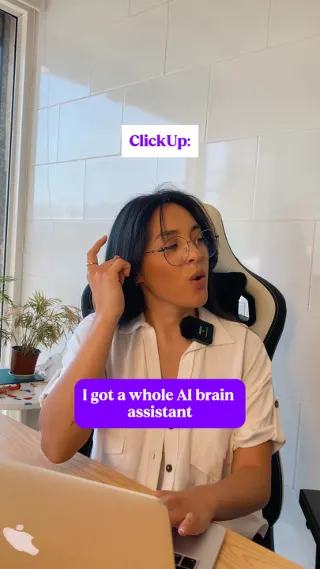
One app replaces the pile of separate work tools by covering everything a team needs to manage.
The copy is short, clear and makes one strong claim, so it is easy to grasp in a second on a busy feed. The data shows it has run for 411 days, is still active, and sits across 13 live ads on five placements, which suggests the message holds up over time and at scale. A low-pressure 'Learn more' button fits a considered software purchase.
- Lead with one big, simple promise that names the outcome, such as replacing many tools with one.
- Keep the post text to a single line and let the video carry the detail.
- Use a soft call to action like 'Learn more' when the product needs a bit of exploring before someone signs up.
- Run several variations of a proven message across placements, as the 13 active ads here suggest, so you can keep it fresh without changing the core angle.
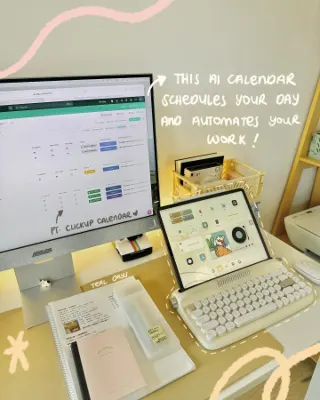
Introduces a new calendar as a smart scheduling assistant, with three concrete features presented as ways it does the planning work for you.
The copy leads with a clear outcome, then backs it with three short, scannable features, each with an emoji marker and a benefit attached. The ad has run for 372 days, is still active and sits across 11 active ads on five placements, which suggests the advertiser keeps finding it worth running and testing variants of it. A free-to-try offer keeps the ask low-risk.
- Open with the outcome the user wants (a task done for them) before naming the product.
- Limit feature lists to three and pair each with the benefit it delivers, so the copy is easy to skim.
- Use emoji as visual bullets to break up the text and set a friendly tone for a work product.
- End with a low-risk ask such as a free trial, and run several variants of a winning angle across placements, as this advertiser does with 11 live ads.
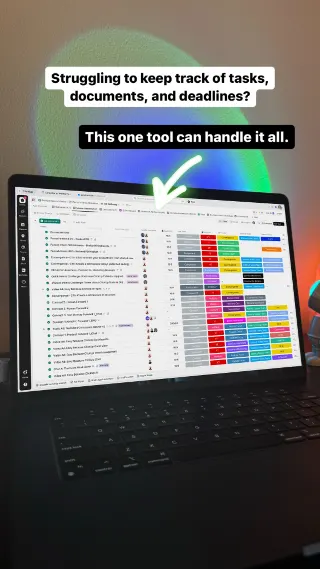
Positions ClickUp as one app that replaces scattered work tools by bundling tasks, docs, goals and chat in a single place.
The copy is short and clear, and it moves from a broad benefit to a concrete list of what is inside. The 'everything app' line gives a memorable category in a crowded market. The data shows it has run for 411 days, is still active, and spans five placements across 18 active ads, which suggests the message holds up over time and at scale. The data does not show why, so treat that as a signal and not proof.
- Open with one outcome word your buyer already wants, then explain it in a single plain sentence.
- Coin a simple category label, like 'the everything app', so people can describe your product back to you.
- Name the specific parts of your product in a short list so a broad claim feels concrete.
- Use a low-commitment CTA like 'Learn more' for a broad audience that is still comparing tools.
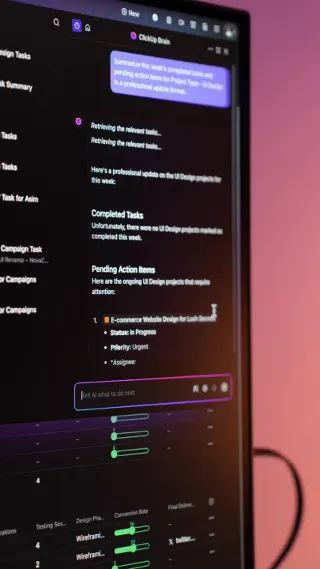
It claims the top spot in its category for the year, so the viewer assumes it is the safe, proven choice.
The short line leads with authority and borrows the weight of a ranking, so there is almost nothing to read before the video takes over. The data shows it has run for 372 days, is still active, and spans five placements, which suggests the message holds up over time and across audiences. Keeping the copy this lean lets the video carry the explanation while the text sets the expectation.
- Open with a clear, specific claim about your standing, but only use a ranking or title you can back up and name the source for.
- Keep the post text to one line and let the video show the product, so the words only set up the reason to watch.
- Refer to the product as 'this app' to create a small curiosity gap that keeps people watching for the reveal.
- Pair a low-commitment button like Learn more with a plain domain in the caption so the next step feels easy.
More software brands


Make ads like these for your brand
Paste your website. Adwright studies the ads winning in your niche, then makes ads in your brand, ready to post.