
Framer’s video ad: “Comment “Mask” and I’ll send you the component link and the prompts I used for the visuals”
Ran 74 daysFacebook and InstagramWinner
- How it opens
“Comment “Mask” and I’ll send you the component link and the prompts I used for the visuals”
- Why it works
It has run for 74 days. Brands keep paying only for ads that make money, so this one is proven. First-person ads read like a post from a real person, not an ad.
- How it’s built
- Hook: Comment “Mask” and I’ll send you the component link and the prompts I used for the visuals
- Benefit: Here’s the easiest way to build cool-looking interactive sections inside Framer.
- CTA: Sign up
- What to borrow
- Test a ugc ad for your own product.
- It has run for over a month: the idea is proven demand, so test it in your own words.
- Its words
👇🏻 Comment “Mask” and I’ll send you the component link and the prompts I used for the visuals Here’s the easiest way to build cool-looking interactive sections inside Framer. I’ve been rebuilding parts of my website lately, and this hero section was one of those things I wanted to make feel more alive. You’ve probably seen this Mask Reveal effect on OFF+BRAND’s work for the Lando Norris website. The guys from Framer University made it easy to recreate — no code, no extra setup. And honestly, it works across so many different visuals and sections. What I want you to do is take this as inspiration and build something that feels uniquely yours. In my case, the visuals were generated with NanoBanana 2 — front layer and back layer, one prompt each. Removed the backgrounds, uploaded them, adjusted the sizing, hit publish. No custom code. Just smart components and a few tweaks. 🚀
Button: Sign up
- What’s said
The transcript
This is a hero section on my personal website, and I'm going to show you how easy it was to make with Framer. Head over to Framer.com and create a new project. Build your foundation first, set up your navigation, add your logo, define your colors and fonts. You have full control, just fill the blank canvas with your content. Now open Framer University. It's a library packed with ready-to-use interactive components, all built natively in Framer. Find this hover mask, reveal component, click copy, jump back into your project, and paste it in. You'll see a blank rectangle appear on your canvas. Click it, and the full settings panel opens on the right. All you need is to upload your front and back images. I use Nano Banana 2 to generate both from a single reference photo. Keep the same aspect ratio and proportions for both, and don't forget to remove the backgrounds before uploading. Then just place the component inside your hero section, adjust positioning and sizing, and hit publish. And this is how you build an interactive hero section in Framer without touching a single line of code. Comment, mask, and I'll DM you the component and both prompts I used.
- Where and how long
- First ran 17 Mar 2026; last seen 30 May 2026.
- Run as 8 ads.
- Links to framer.com.
- Style: UGC.
More from Framer
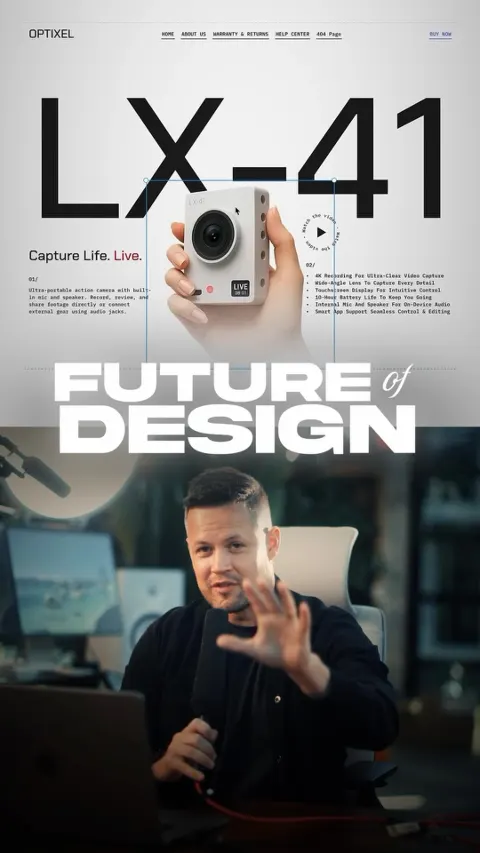

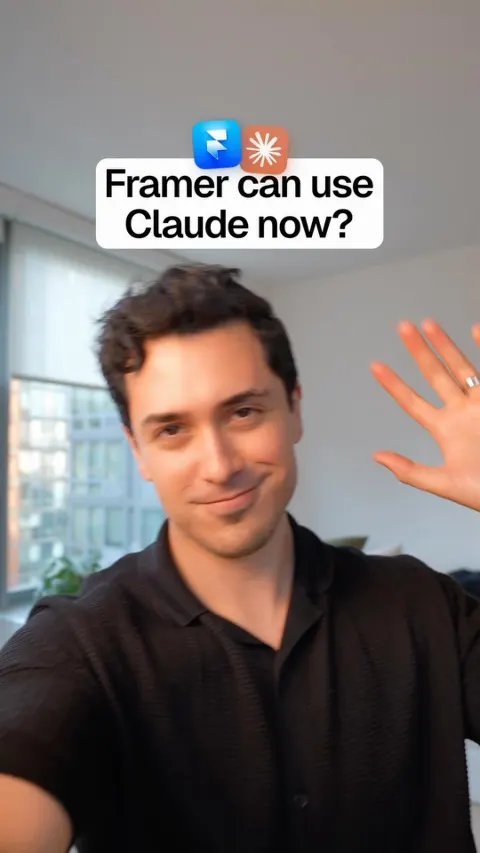
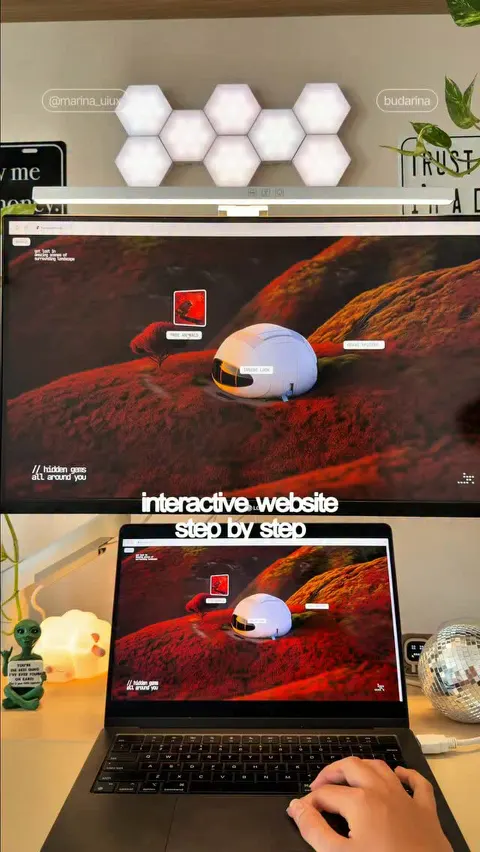
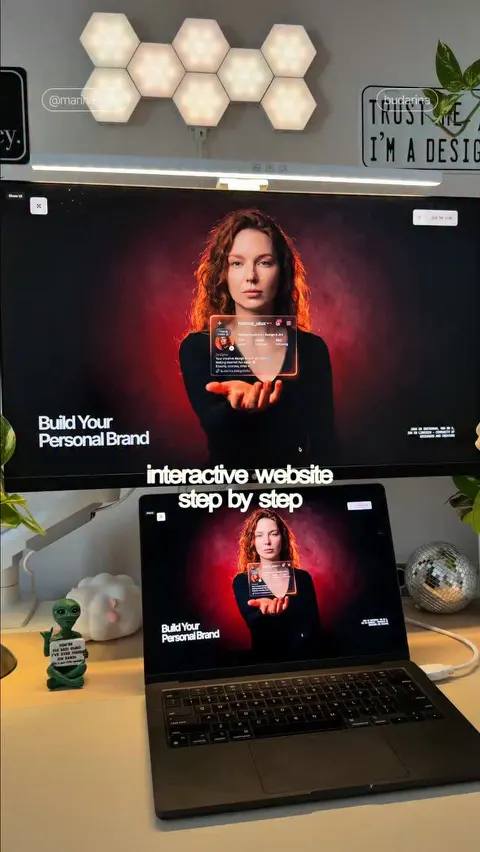
Make ads like these for your brand
Paste your website. Adwright studies the ads winning in your niche, then makes ads in your brand, ready to post.