
Arcads’ video ad: “So I just spent the last few days testing all the creative AI tools”
Ran 230 daysFacebook and InstagramWinner
- How it opens
“So I just spent the last few days testing all the creative AI tools”
Angle: Urgency
- Why it works
It has run for 230 days. Brands keep paying only for ads that make money, so this one is proven. First-person ads read like a post from a real person, not an ad.
- How it’s built
- Hook: So I just spent the last few days testing all the creative AI tools
- Benefit: learn how to create the best AI ads for your brand or business.
- CTA: Click ‘create new actor’ and upload that screenshot.
- CTA: Get offer
- What to borrow
- Use a deadline only when it's real.
- Test a ugc ad for your own product.
- It has run for over a month: the idea is proven demand, so test it in your own words.
- Its words
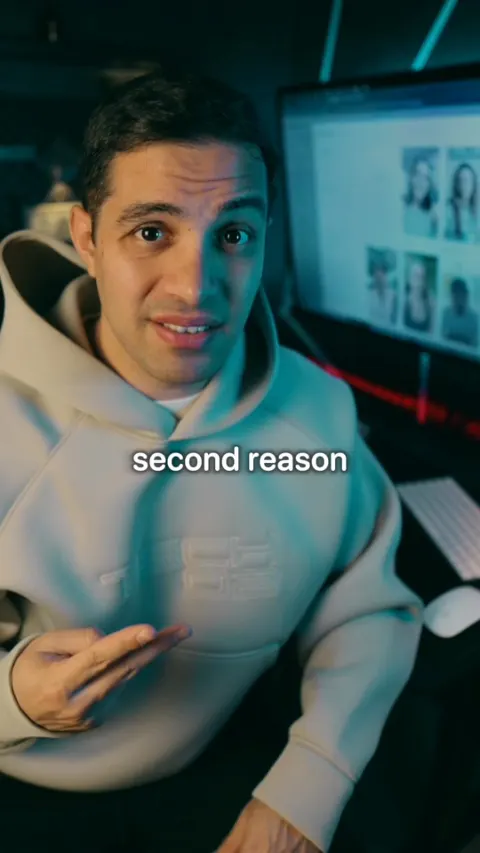
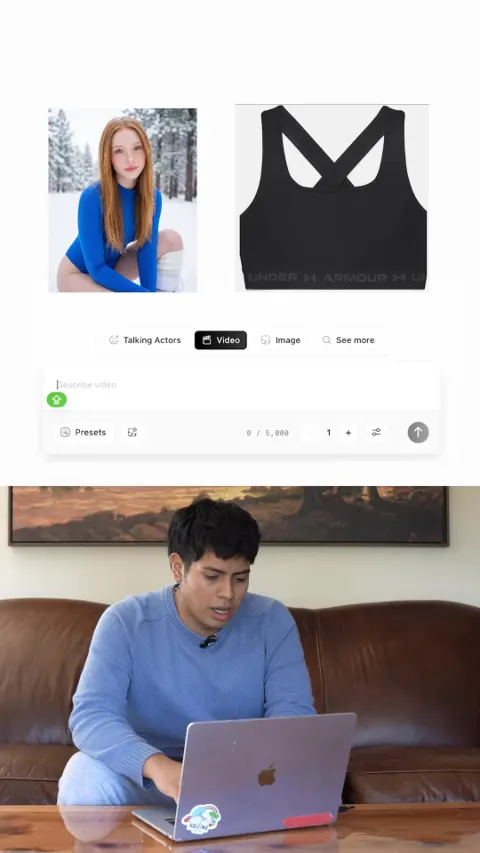
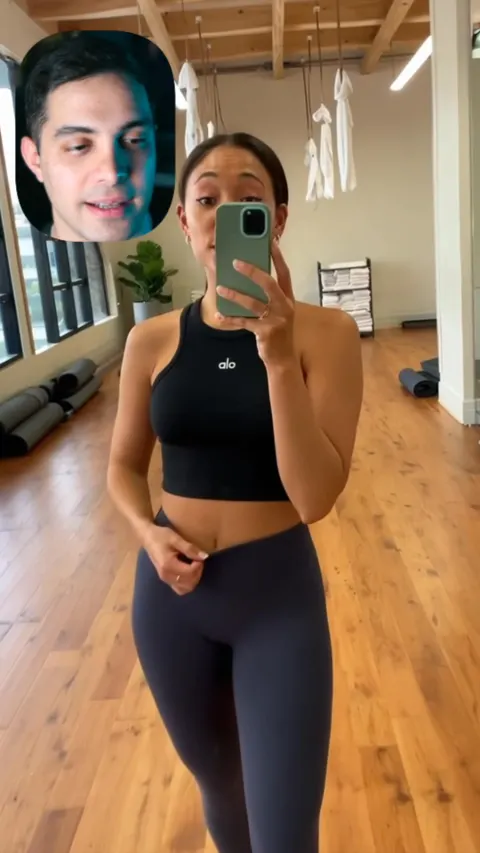
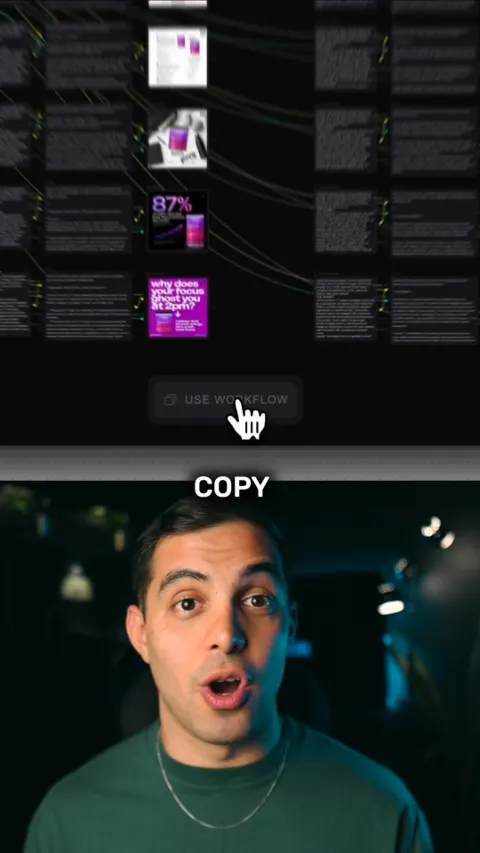
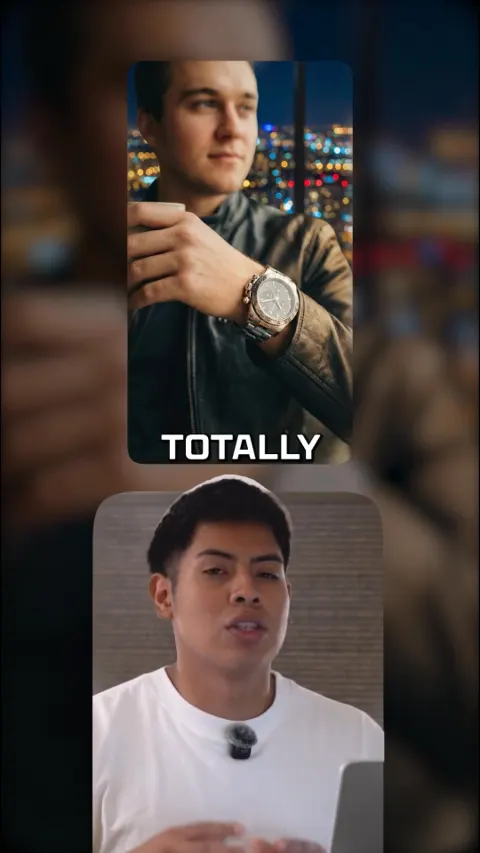
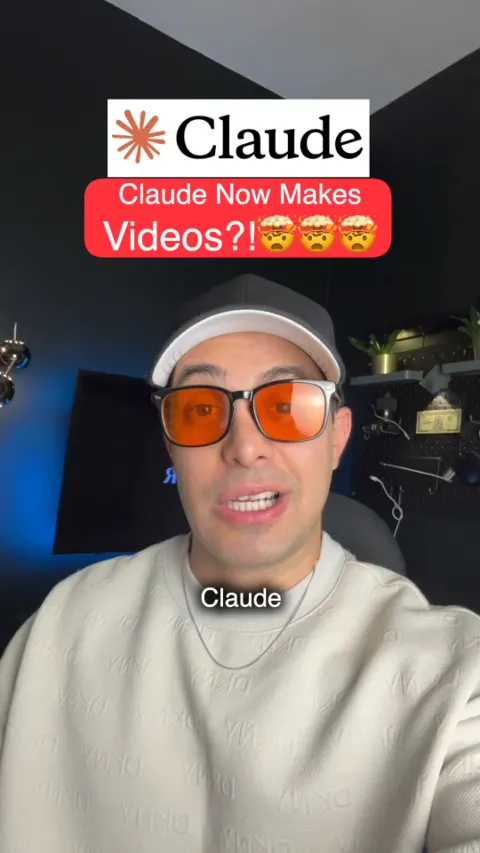
So I just spent the last few days testing all the creative AI tools learn how to create the best AI ads for your brand or business. So I’m going to show you exactly how you can create the best AI ads in under 20 seconds. And yeah, you can be the face of it too. So here’s how to do it. First, record yourself holding the product, then take a screenshot of the best frame. Now go to Arcads and select the ‘Add actors’ section. Click ‘create new actor’ and upload that screenshot. Write a prompt detailing what you want to change about the image select your aspect ratio, and download your new photo. Now head to Kling 2.6 Motion Control. Upload your original video, then upload the new image. It’ll transfer that motion into the image, and you can create unlimited ads targeting different regions and age groups like this. So if you want to try this for yourself, drop ‘Arcads’ in the comments #aitools #aivideo #arcads #ugc
Button: Get offer
- What’s said
The transcript
So I just spent last few days testing all the creative tools to learn how to create the best AI video ads for a brand or business. I'm going to show you exactly how you can create the best AI ads in under 20 seconds. And you can be the face of it. So here is how you can do it yourself. First record yourself holding the product then take a screenshot of the best frame. Now go to ArcAds and select the ad actors section. Click create new actors and upload that screenshot. Write a prompt detailing what you want to change about the image and download your new photo. Now head over to Kling 2.6 motion control inside ArcAds. Upload your original video and then upload the new image that you just downloaded. It will transfer that motion into that image and you can create unlimited ads targeting different regions and age groups like these. If you want to try this for yourself drop ArcAds in the comments and I'll send you the link.
- Where and how long
- First ran 5 Feb 2026; last seen 24 Sep 2026.
- Run as 5 ads.
- Links to arcads.ai.
- Style: UGC, Tutorial.
More from Arcads
Make ads like these for your brand
Paste your website. Adwright studies the ads winning in your niche, then makes ads in your brand, ready to post.